See your fare before you book
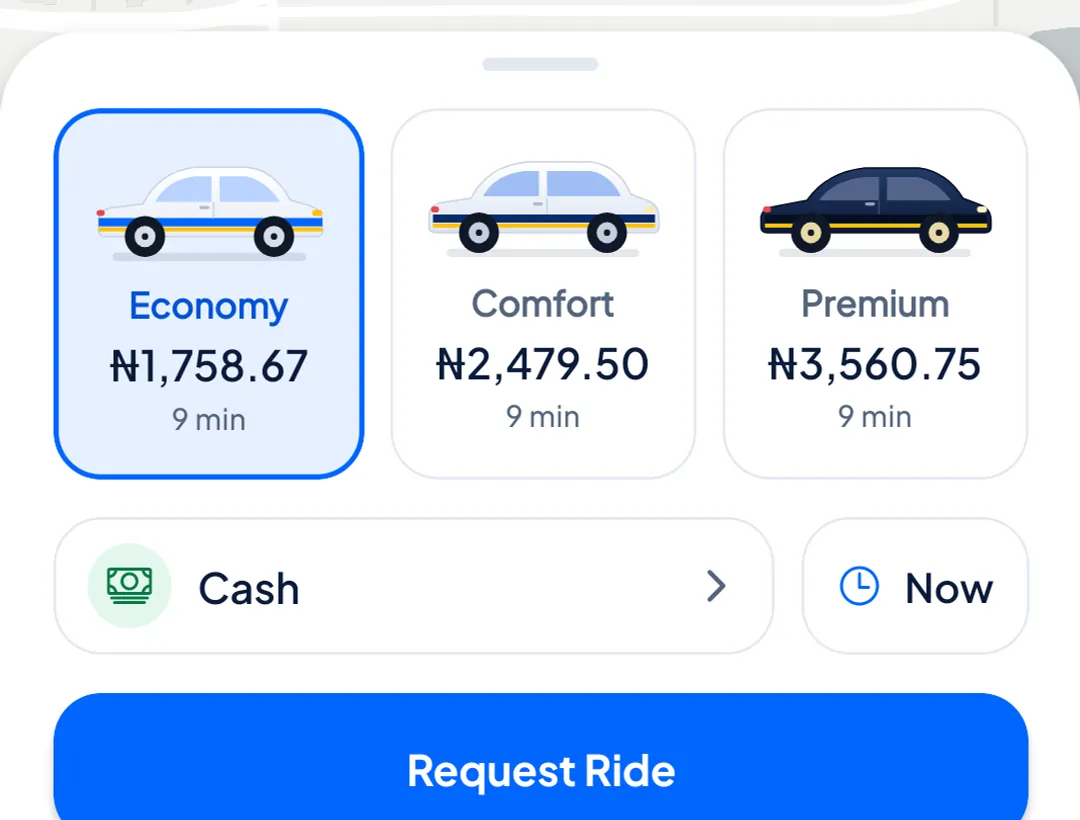
Pick Economy, Comfort or Premium. Each shows its fare up front. The final fare is worked out from the trip actually driven, so a long detour can change it (see the questions below).
Lino Rides is a ride-hailing app for Lagos. See the fare before you book, follow your driver on the map, and pay in cash or from your Lino wallet.
From “where to?” to five stars, all in one app.
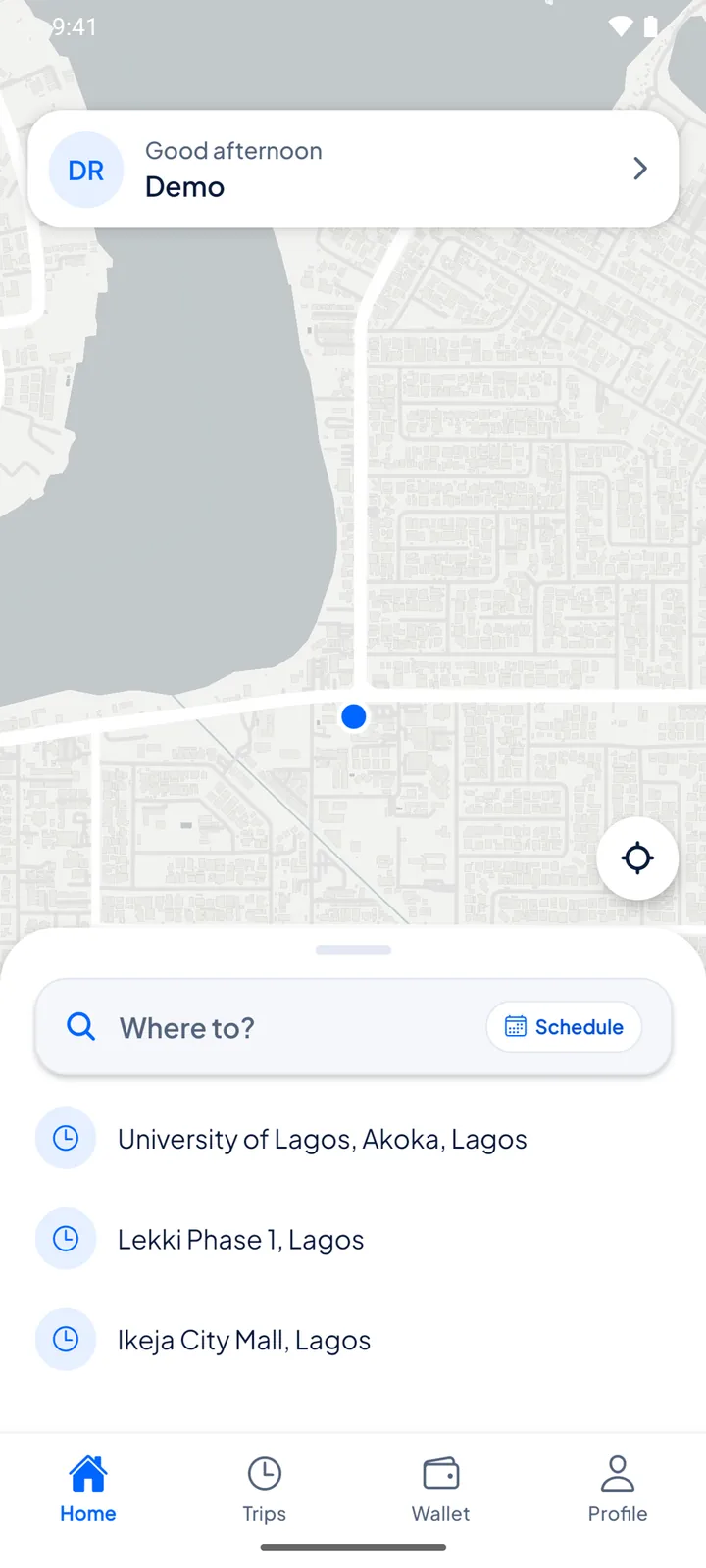
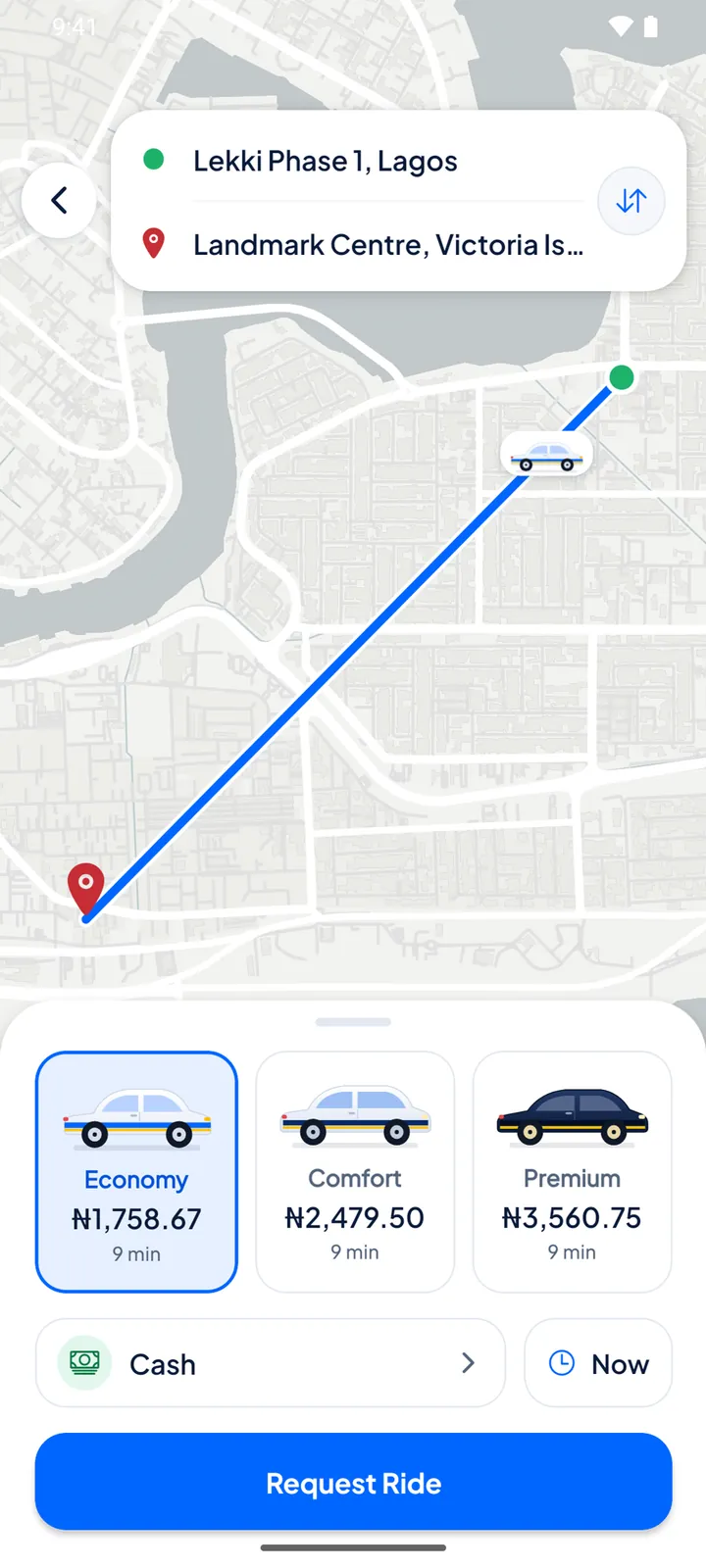
Search for a place, use your current location, or drop a pin on the map.
Compare Economy, Comfort and Premium, check the fare and how you will pay, then request.
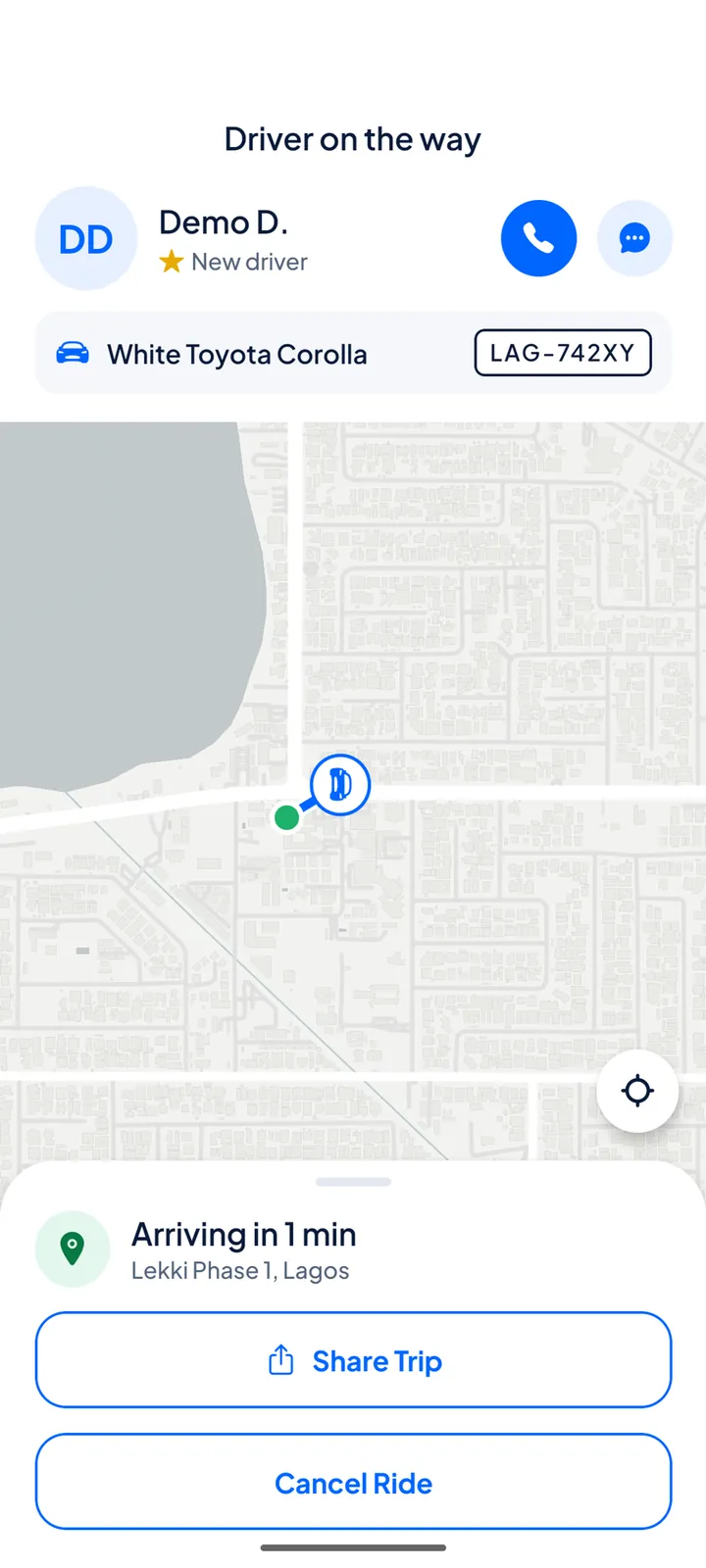
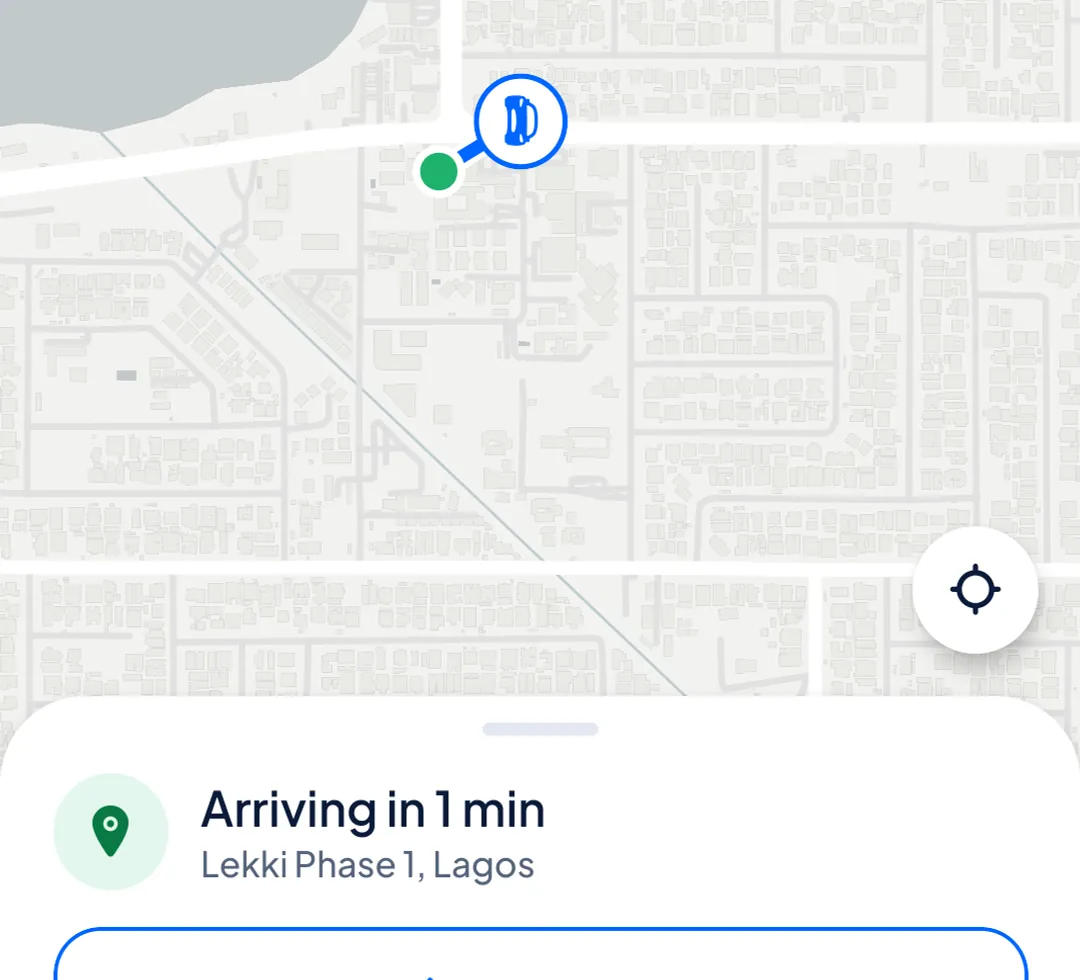
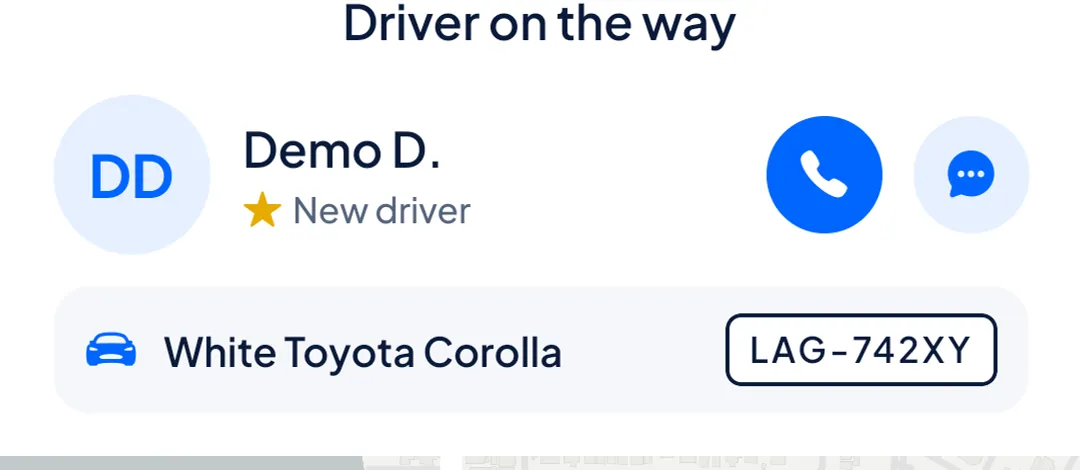
Watch your driver come to you on the map. Their name, rating, car and plate number are on screen before pickup.
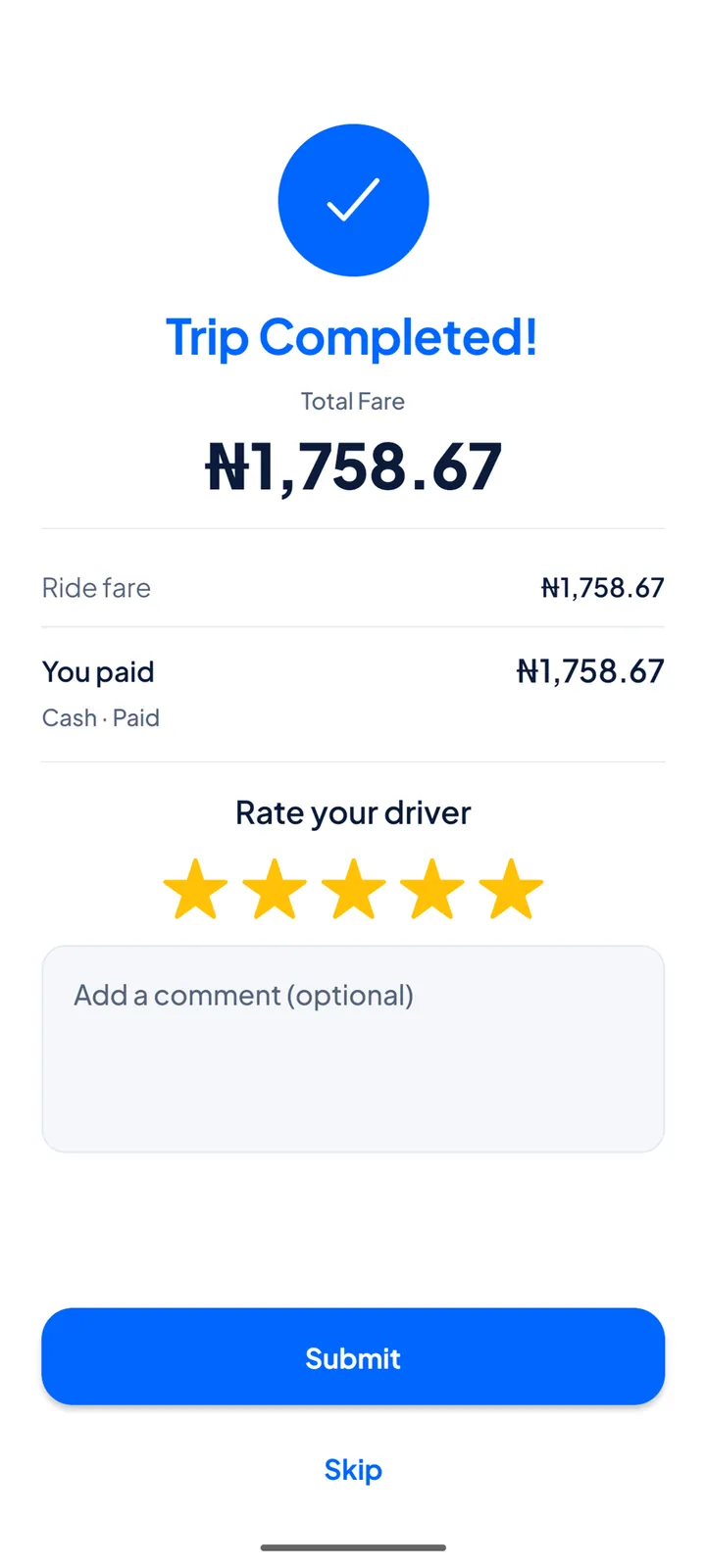
Pay in cash or from your Lino wallet, then give your driver 1 to 5 stars when the trip ends.
Choose where you are going and Lino Rides shows what each ride would cost, in Naira, before you request anything.
Pick Economy, Comfort or Premium. Each shows its fare up front. The final fare is worked out from the trip actually driven, so a long detour can change it (see the questions below).
Follow your driver on the map. Call or message them from the trip screen if you need to find each other.
Name, rating, car and plate number are on screen before pickup.
Pay your driver in cash, or pay from your Lino wallet.
Give your driver 1 to 5 stars when the trip ends.

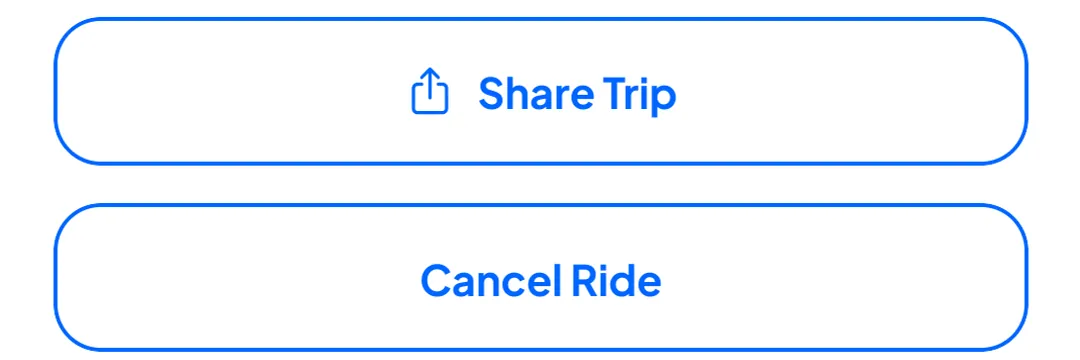
Share your trip details with someone you trust. Cancel if plans change; it is free while we are still finding a driver.
Sign up in the same app, add your car and your documents, and once the Lino team has approved you, go online when you want to take trips.
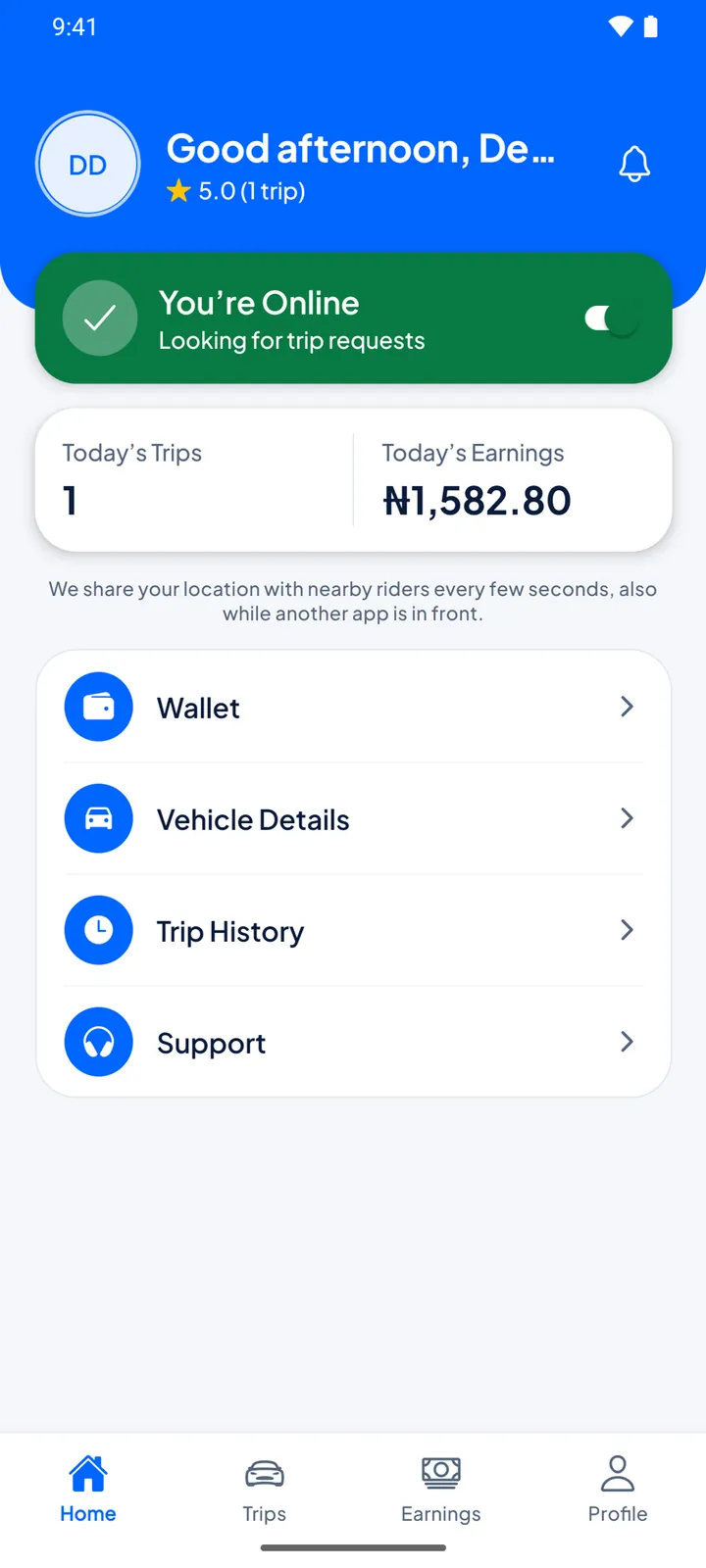
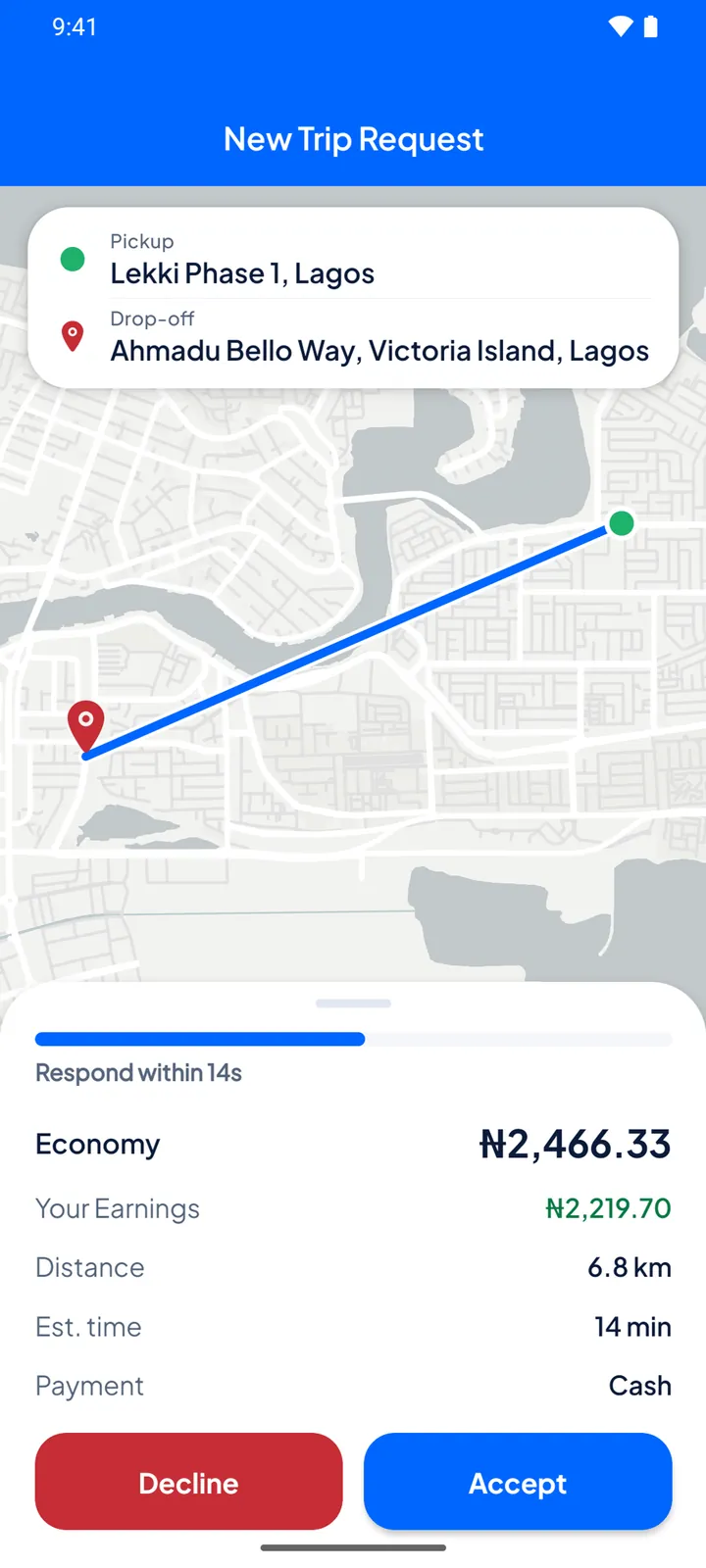
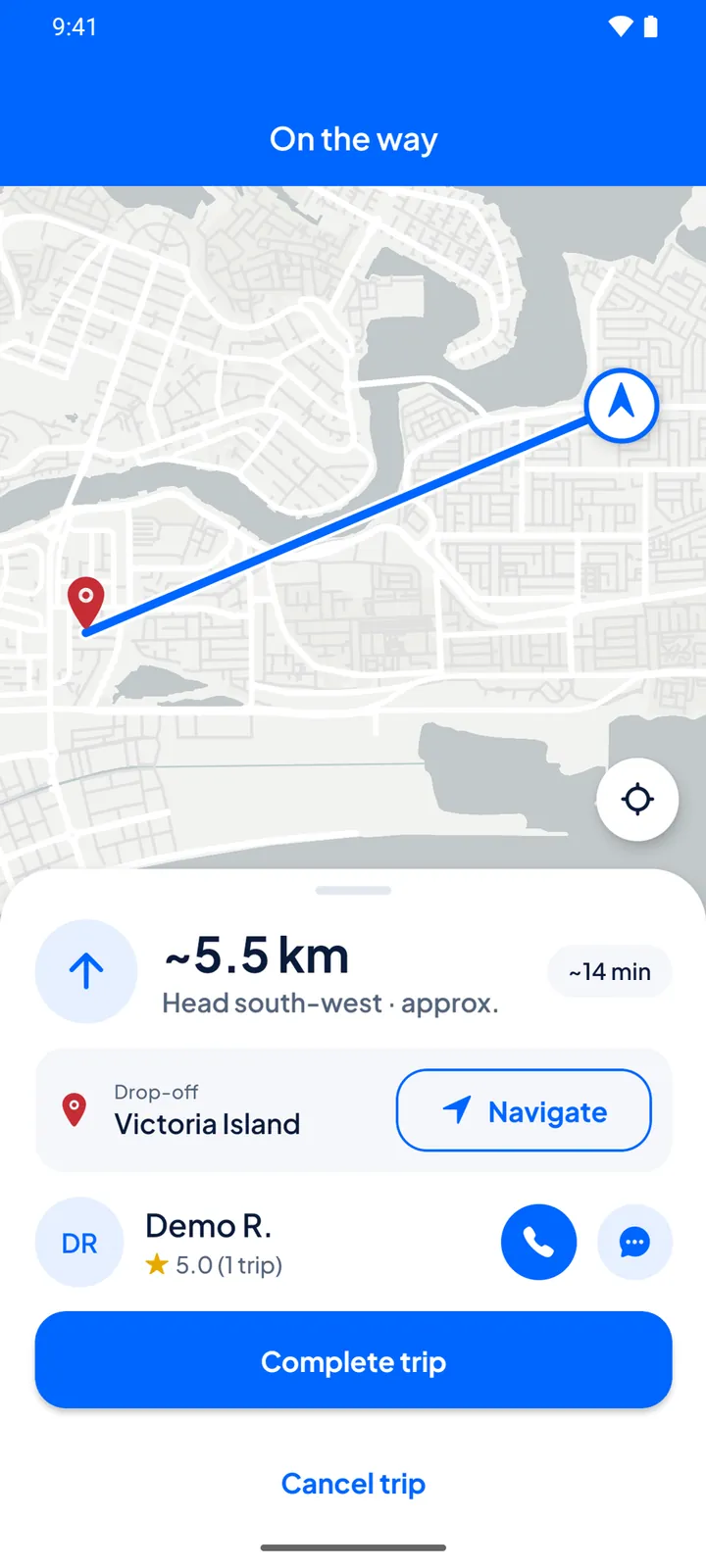
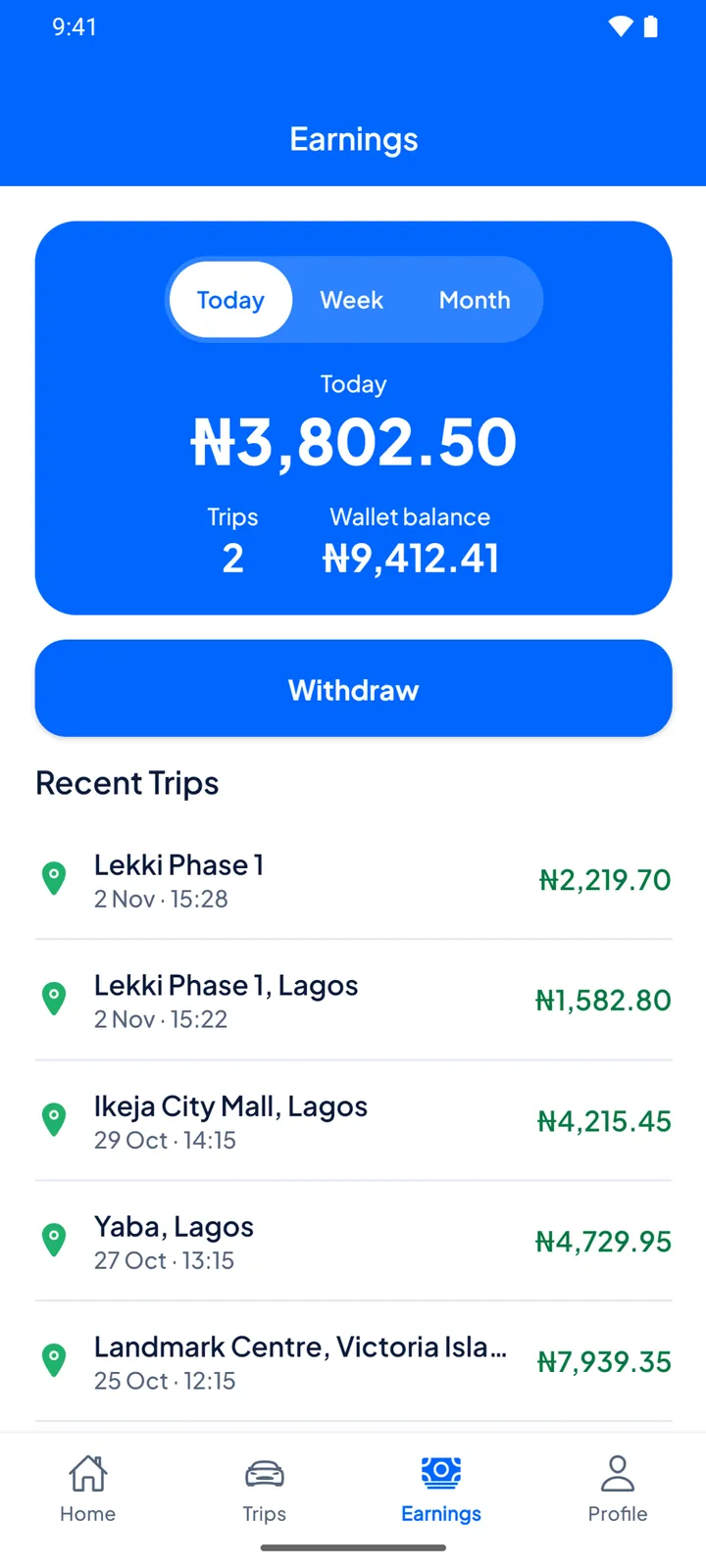
One app, two roles. If you ride and drive, switch between them in Profile.
These are the things the app does today to help you ride with confidence.
Reviewed drivers. Drivers upload their documents and vehicle details, and the Lino team reviews them before a driver can go online.
Details up front. Your driver’s name, rating, car and plate number show as soon as a driver accepts your request.
Share your trip. Send your trip details to someone you trust from the trip screen.
Code sign-in. You sign in with your phone number and a code we send by SMS.
Private documents. Driver documents are stored privately and are never public.
Help when something is wrong. Contact support from inside the app, or report a problem with a past trip.
Your account, your call. You can delete your account inside the app, from Profile.
Lino Rides runs in Lagos only for now, and fares are in Naira. Our service area takes in Lagos Island, Ikoyi, Victoria Island, Lekki to Ajah, Surulere, Yaba and Ikeja. If that changes, we will say so here.
Something missing? Write to support@linorides.com.ng.
Lino Rides is on Google Play for Android phones and on the App Store for iPhone. Search for “Lino Rides” in your store, or use the download buttons on this page.
Before you request a ride you see the fare for each ride type, in Naira. It is based on the route’s distance and expected time. When the trip ends, the final fare is worked out from the distance actually driven and the time it took, using the same rates. A detour or heavy traffic can raise it a little, and the app limits how far above the fare you saw it can go. If the fare changes while you are booking, the app asks you to confirm first.
Pay your driver in cash, or pay from your Lino wallet. Card payments are not available yet.
Lagos only for now.
Create an account in the app and choose to drive. Add your vehicle, upload your documents, and wait for the Lino team to review them. Once you are approved you can go online and receive trip requests. If you also ride, you switch between rider and driver in Profile.
The app lists exactly what is required and shows what is still missing. It usually includes your driver licence, your vehicle registration, a photo of the vehicle and proof of address. You can photograph documents with your phone camera or upload a PDF.
In the app, open Profile and choose Delete account. You confirm with your password, or with a code sent to your phone if you signed up with a code and never set a password. You cannot delete the account during an active trip, or while your wallet still holds money or you owe a fee or commission, so withdraw or settle that first. Our privacy policy explains what we keep.
In the app, open Support and send us a message, or report a problem from a past trip. You can also email support@linorides.com.ng.
Download Lino Rides on Android or iPhone, see your fare in Naira before you book, and go.